 01. Colors02. Typography & Spacing
The body text is set to 16px with a line height of 24px (1.5). The type scale is based on The Perfect Fifth - 1.5 ratio increments on a modular scale. See the Headings below.
Lorem ipsum dolor sit amet, consectetur adipiscing elit. Suspendisse varius enim in eros elementum tristique. Duis cursus, mi quis viverra ornare, eros dolor interdum nulla, ut commodo diam libero vitae erat. Aenean faucibus nibh et justo cursus id rutrum lorem imperdiet. Nunc ut sem vitae risus tristique posuere.
Lorem ipsum dolor sit amet, consectetur adipiscing elit. Suspendisse varius enim in eros elementum tristique. Duis cursus, mi quis viverra ornare, eros dolor interdum nulla, ut commodo diam libero vitae erat. Aenean faucibus nibh et.
Here is a caption to add on an element.
Here is a label to add to your forms as needed.
Small text that you'll have on the page maybe for a small description.
Lorem ipsum dolor sit amet, consectetur adipiscing elit. Suspendisse varius enim in eros elementum tristique. Duis cursus, mi quis viverra ornare, eros dolor interdum nulla, ut commodo diam libero vitae erat. Aenean faucibus nibh et justo cursus id rutrum lorem imperdiet. Nunc ut sem vitae risus tristique posuere.
The line height is 24px for body text. For all other text elements, set the line height to multiples of 24. This ensures that all line heights will match the baseline grid unit. (The baseline is determined by the line-height property of the body text i.e 24px).
Below shows how the type sits on a baseline of 24. It is important to note that the bounding box sits on the baseline not the type.
1 row = 24px/1.5em.
8 rows = 192px
As the type increases in size, the line height should still equal a multiple of the baseline 24.
The pink box represents the invisible bounding box created around the text on the web or in a design programme and should be used to measure the distance from other elements on the page. See Spacing Relationships of Elements.
..png)
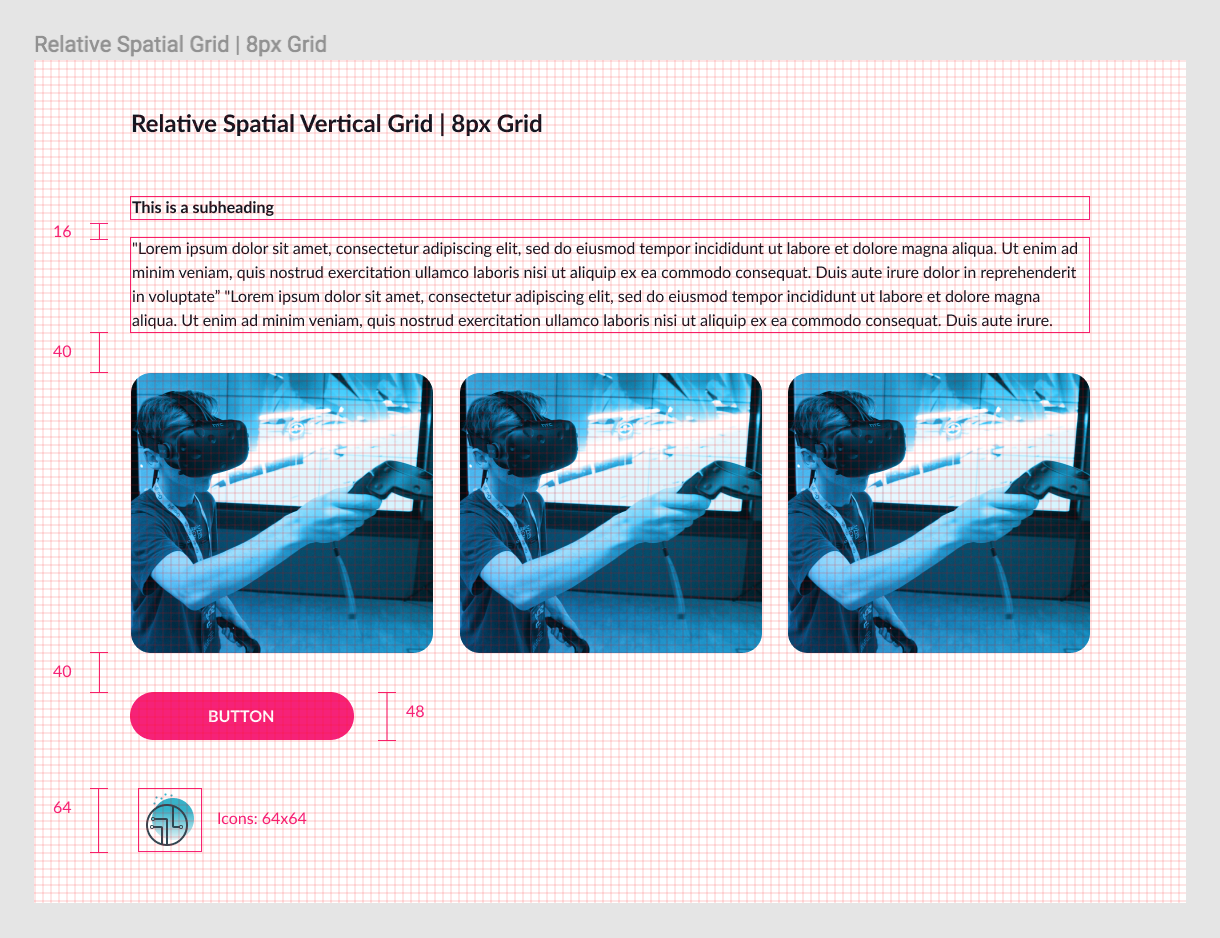
Element spacing on-page helps to create a consistent and visually appealing user interface. This can be achieved by creating a vertical rhythm on the page between different elements.
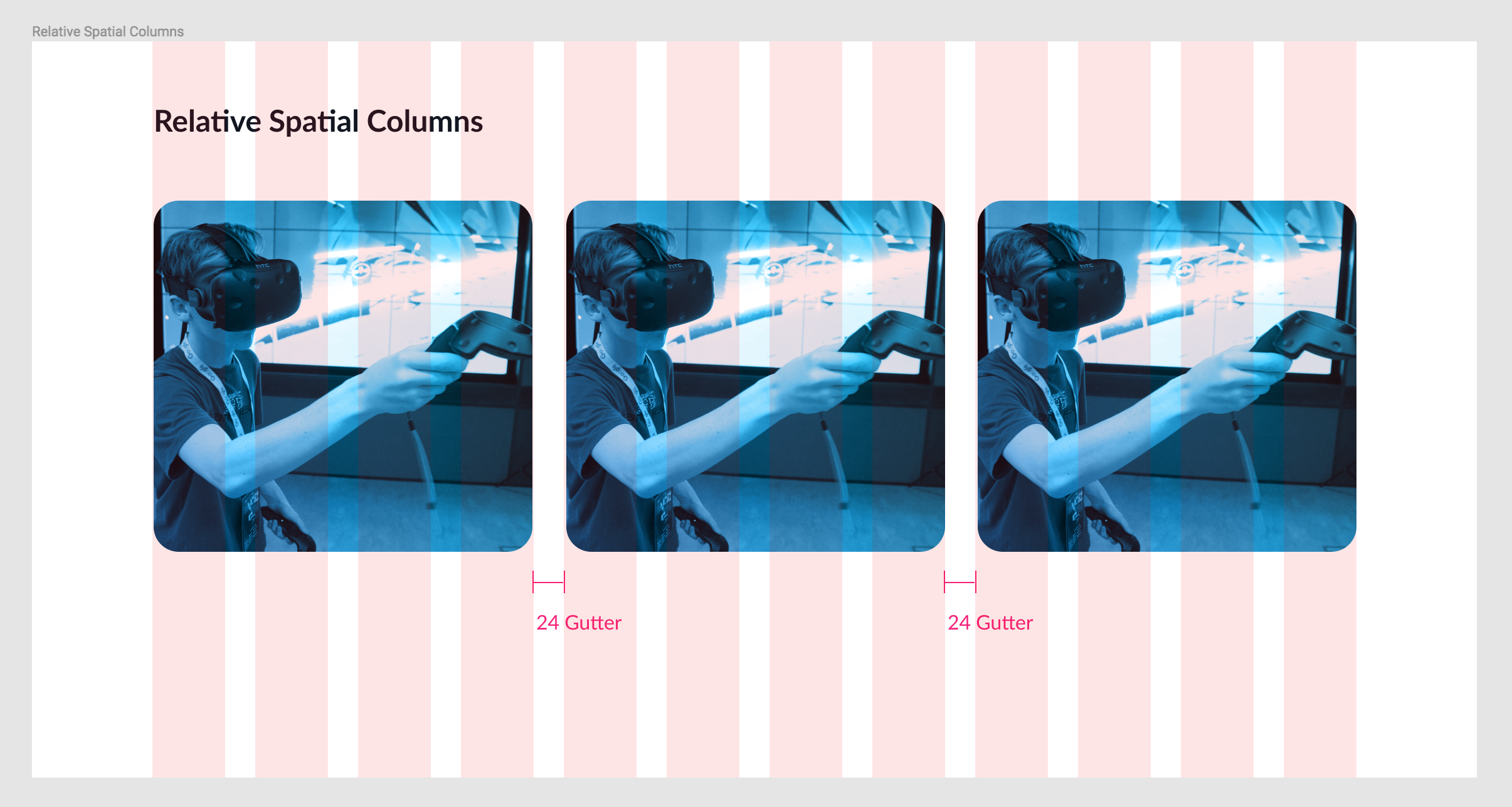
Use multiples of 8 to define dimensions, padding, and margins of both block and inline elements. This will ensure that the vertical whitespace between elements remains consistent.
Note: All line heights and the total height (including borders, padding, and margins) of all elements will be a multiple of 8.
This is achieved using a 8px grid. See below for examples.